
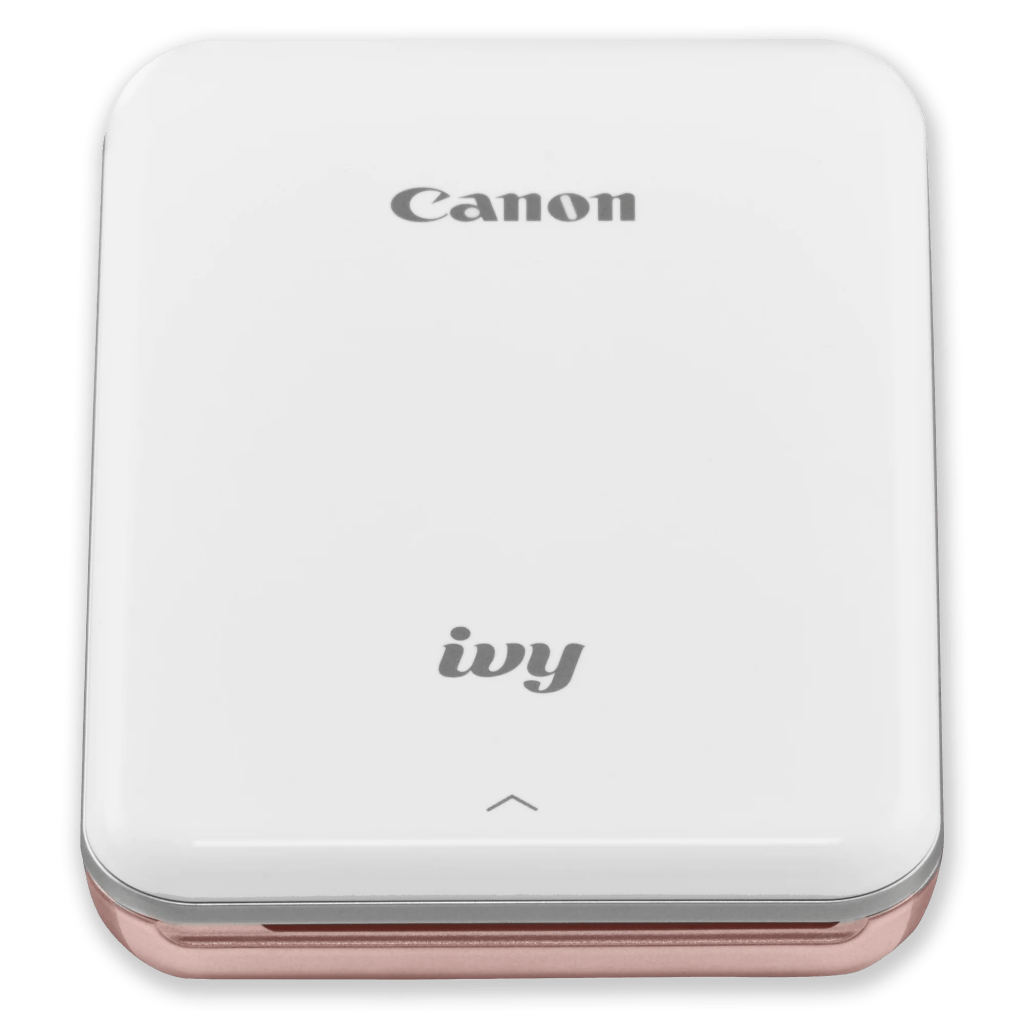
I’ve had the original Canon Ivy photo printer in Rose Gold for a while now, and it’s honestly one of my favorite little gadgets—it makes printing photos from my phone super easy and fun. It uses ZINK (Zero Ink) paper, so there’s no messing around with cartridges. Just load the paper, pick a photo in the Canon Mini Print app, and print. The best part? The 2″ x 3″ prints have a sticky back, so you can peel and stick them wherever you want—journals, laptops, walls, you name it.
First, get the FREE APP here for iPhone and here for Google Play.
One of my favorite ways to use it is for making custom stickers. I love designing little graphics or quotes in Adobe Illustrator, exporting them to my phone, and printing them out as mini stickers. Or just simply using the Canon app to place filters or decorative borders and create layouts. It’s such a satisfying way to bring digital art into the real world—and perfect for decorating planners, gifts, or even just adding a personal touch to random surfaces around the house.
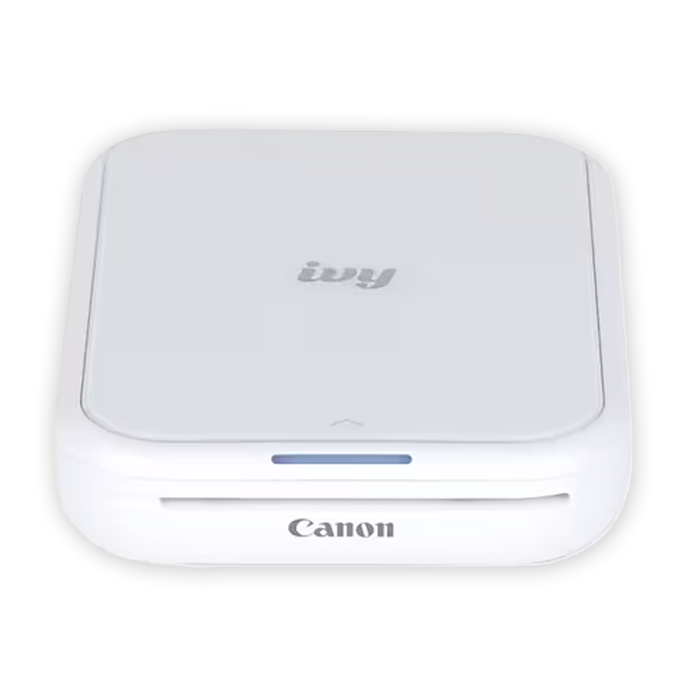
Canon recently released a new version, the Canon Ivy 2 Mini Photo Printer, and it looks like they’ve made a few nice upgrades. The print quality has been improved for optimized skin tone colors, contrast, and sharpness. It also connects more reliably with Bluetooth 5.0, which should make pairing with your phone even smoother. The new model comes in Pure White and Blush Pink—very sleek!

It still works with the same Canon IVY ZINK photo paper—a 20, 50, or 100-sheet pack of glossy, white sticker paper. Definitely recommend grabbing extra if you’re like me and end up printing way more than you thought you would.
If you’re into scrapbooking, decorating your phone case, or just love having printed memories, the Ivy is such a fun little printer to have around.
This post contains affiliate links, which means I may earn a commission if you purchase something through them.
 Sunkissed Babe